Best Budgeting Apps Without Linking a Bank Account (2026)

Updated on by BudgetOnGrid
Quick answer
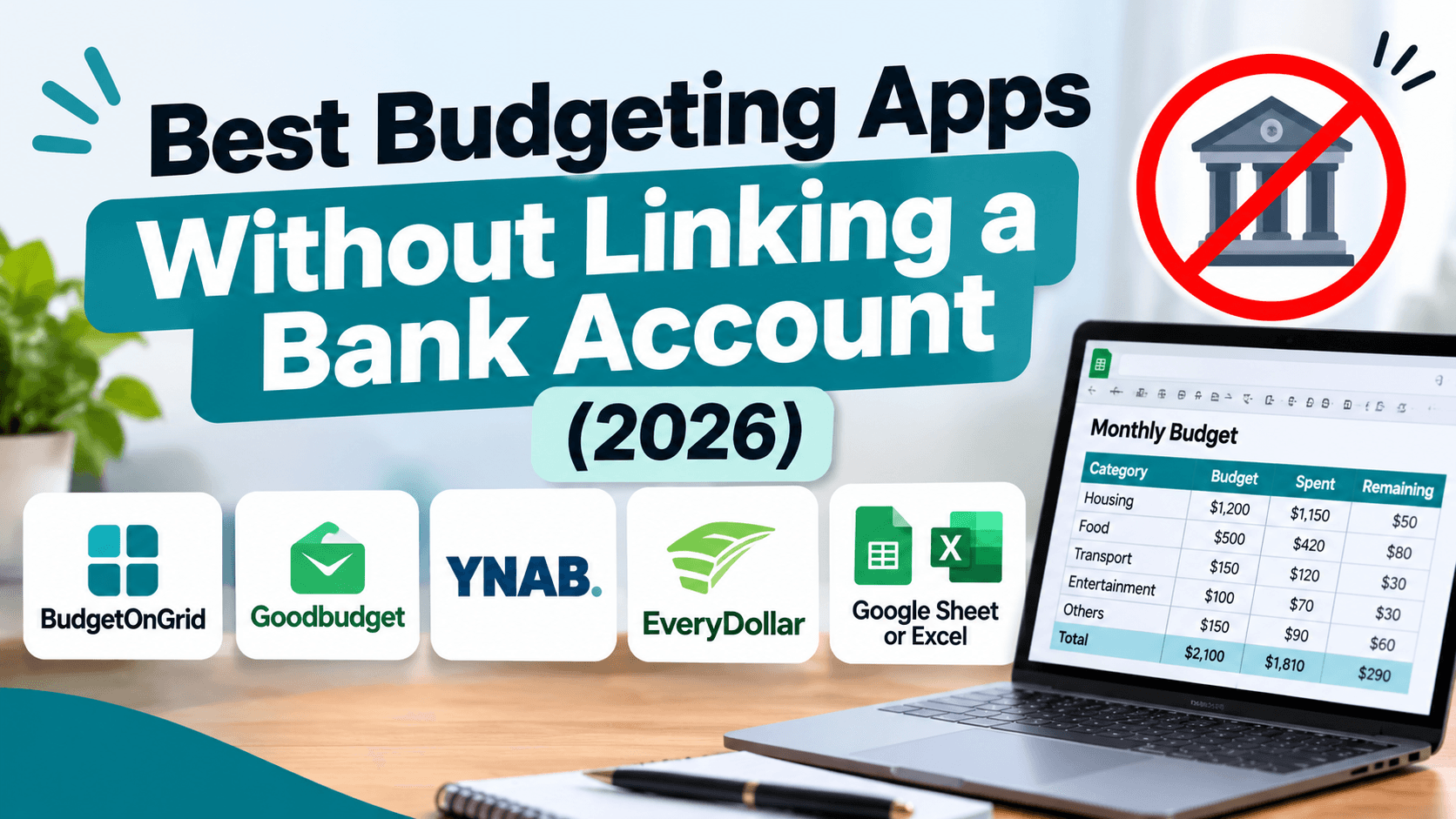
The best budgeting options without bank linking include BudgetOnGrid, Goodbudget, YNAB, EveryDollar, and spreadsheets. BudgetOnGrid is the best budgeting app without linking a bank account or bank syncing. It supports free manual entry and imports from PDF, and CSV bank statements, Excel files, receipts, and screenshots. No bank connection or bank credentials are required.
A budgeting app without bank linking gives you control over how your financial data enters the app. You do not have to share bank credentials or give a data aggregator such as Plaid access to your account activity.
Some people prefer this setup because bank connections sometimes fail, privacy matters to them, or they want to review every purchase themselves.
Here are five options worth considering:
- BudgetOnGrid
- Goodbudget
- YNAB
- EveryDollar
- Google Sheets or Excel
Why some people avoid Bank Linking or Syncing
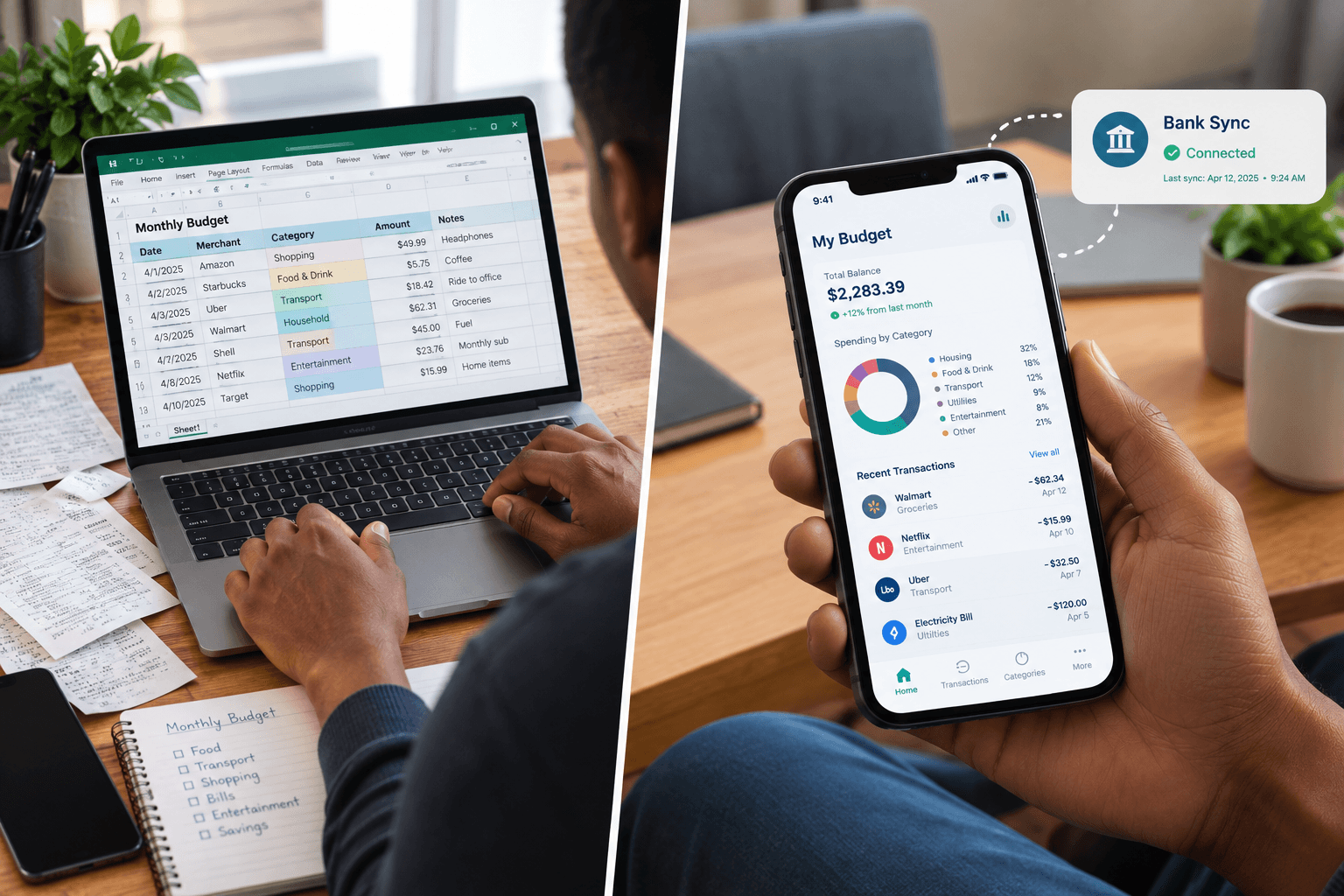
Bank linking saves time when the connection works. Still, plenty of people prefer to manage their budgets without giving an app access to their bank accounts.
Here are some common reasons.
- Privacy concerns. A bank connection gives an app or its data provider access to account activity. Some people prefer to keep their financial records separate from these services.
- Connection problems. Banks change their security settings, connections expire, and syncs sometimes fail. You might have to reconnect an account before transactions appear again.
- Security concerns. Some people prefer to keep their banking credentials and transaction records outside budgeting apps and data aggregators such as Plaid.
- Manual control. Entering each purchase gives you a chance to review where your money goes. Some people prefer this process over automatic imports.
- Cash spending. Cash purchases do not appear in bank feeds. You still need to record them yourself to keep your budget complete.
- Subscription costs. Many budgeting apps charge recurring fees. For someone who wants a simple way to manage money, another monthly payment might not be appealing.
Best budgeting apps without bank linking
| App | Data Entry Method | Bank Linking | Price |
|---|---|---|---|
| 1. BudgetOnGrid | Manual entry or statement and receipt imports | Never required | $7 once for core app, optional import credits |
| 2. Goodbudget | Manual entry on the free plan | Not required on free plan | Free plan, Premium is $80/year |
| 3. YNAB | Manual entry or file imports | Optional | $109/year |
| 4. EveryDollar | Manual entry on the free plan | Not required on free plan | Free plan, Premium is $79.99/year |
| 5. Spreadsheets | Manual entry, Power Query, or raw CSV files | None | Free or Microsoft Office subscription |
1. BudgetOnGrid
Best for importing transactions without a bank connection.
BudgetOnGrid works without bank syncing. You do not need to enter your bank login details or connect an account through a data aggregator.
Manual transaction entry is free. When you have a lot of transactions, you can download a bank statement from your bank's website and upload the file to BudgetOnGrid.
The app supports PDF, CSV, and Excel bank statements. Its statement parser reads the transactions, categorizes them, and adds them to your budget. You can also upload receipts and screenshots.
This gives you a way to update your budget in bulk while keeping bank linking out of the process.
Strengths
- No bank syncing or bank credentials required.
- Free manual transaction entry.
- Budget data stays on your local device.
- Statement, receipt, and screenshot imports reduce repetitive typing.
- No region restrictions.
- Supports PDF and CSV bank statements.
- The parser processes CSV files without requiring manual cleanup.
Limitations
- You must upload statement files yourself whenever you want to update your budget in bulk.
- Import credits are optional but paid. A $5 pack covers 41 pages.
Budget privately without the typing
Get automatic transaction categorization without sharing your bank login. Access BudgetOnGrid for a $7 one-time fee.
Get Started2. Goodbudget
Best for a strictly manual, envelope-based workflow.
Goodbudget uses the envelope budgeting method. You divide your income into spending categories and record purchases as you make them.
The free plan works without a bank connection. Each time you buy something, you open the app and enter the amount under the right envelope.
This setup suits people who want to review their spending as they go. The free plan also gives you the basic tools needed to manage a manual budget.
Strengths
- Manual entry encourages you to review each purchase.
- Works without bank linking.
- Free plan available for basic budgeting.
- Uses envelope budgeting to organize spending.
Limitations
- Entering every transaction by hand takes time.
- The free plan limits envelopes, accounts, devices, and transaction history.
- Bank sync is available as a paid feature, but only for US banks.
3. YNAB
Best for file imports on a premium subscription.
YNAB is known for its bank syncing features, but you can use the app without connecting your bank account.
You have two options. Enter transactions manually or import downloaded bank files in supported formats, commonly OFX, QFX, and CSV.
This approach keeps your bank credentials out of the app's live connection process. You still get YNAB's budgeting tools, although you need to handle transaction updates yourself.
The main drawback is the subscription. YNAB costs $109 per year, even when you choose to manage your accounts manually.
Strengths
- Supports manual accounts without bank linking.
- Allows file imports for users who prefer downloaded bank statements.
- You do not need a data broker connection when you opt out of bank linking.
- Includes YNAB's zero-based budgeting system.
Limitations
- The $109 annual subscription adds up for a manual budgeting workflow.
- Avoiding bank sync means spending more time entering or importing transactions.
- File imports depend on supported formats.
4. EveryDollar
Best for a free manual-entry budgeting app.
EveryDollar's free plan uses manual transaction entry. Bank connections are available through the Premium plan.
You record purchases yourself and assign each transaction to a budget category. This gives you a straightforward way to track spending without connecting a bank account.
The free plan also supports unlimited categories, which helps when you want to organize your budget around your own spending habits.
Strengths
- Free plan works without bank linking.
- Manual entry gives you direct control over transaction records.
- Supports unlimited categories on the free manual plan.
- Uses a zero-based monthly budgeting approach.
Limitations
- The free plan does not include statement imports or receipt extraction.
- Bank connectivity and additional reporting features require Premium.
- The app prompts users to upgrade to the $79.99/year bank-connected plan.
5. Google Sheets or Excel
Best for full control and privacy.
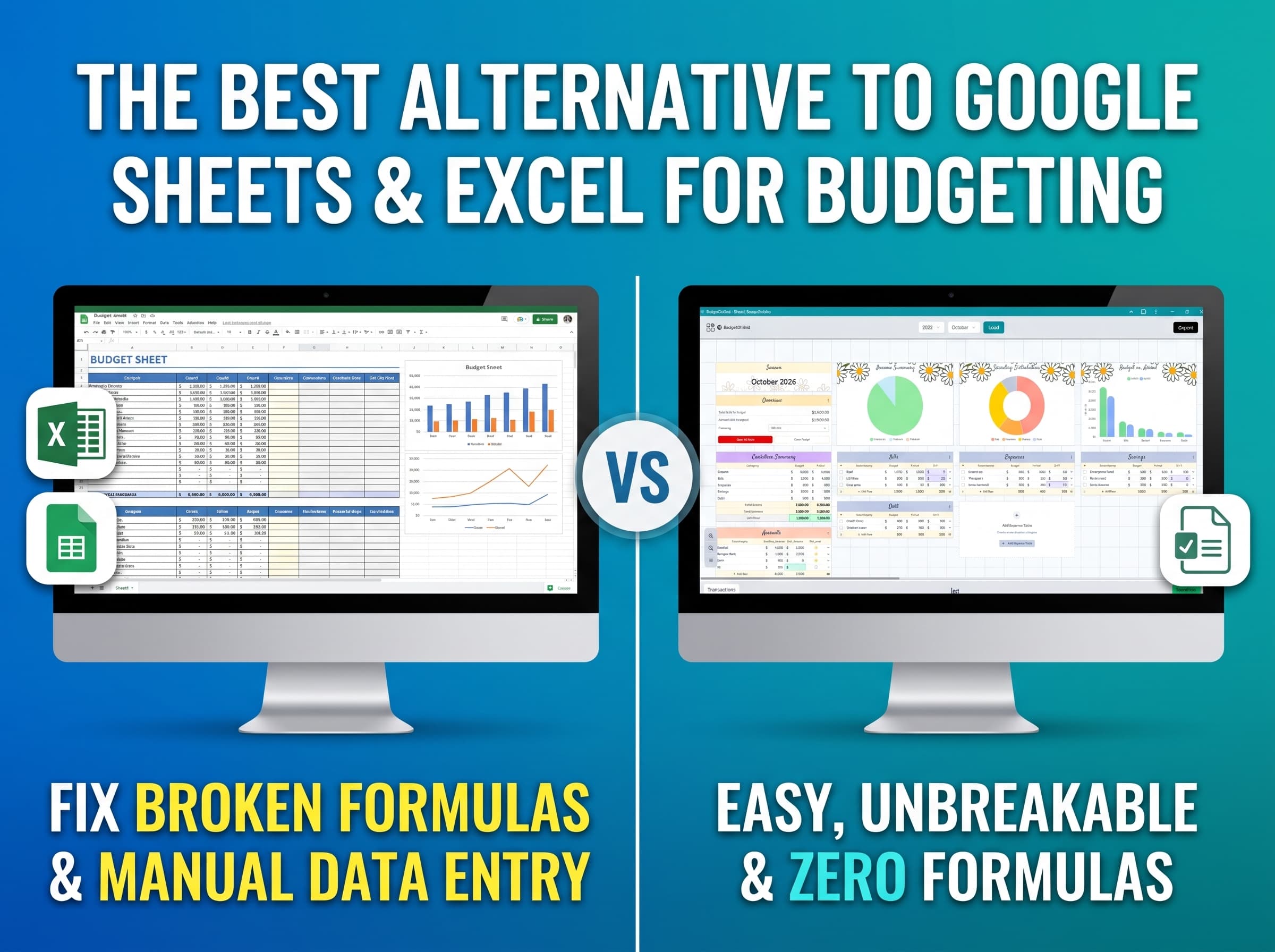
A Google Sheets or Excel budget gives you control over your financial records. You decide how the workbook works, where the file lives, and how you organize your spending.
There is no bank connection built into the spreadsheet. You enter transactions yourself or download files from your bank and import the data.
For beginners, this often means typing expenses into rows. More experienced spreadsheet users have other options. Excel includes Power Query, formulas, and scripts for cleaning and organizing CSV files. Google Sheets supports similar workflows through formulas, add-ons, and Apps Script.
These tools take time to set up. You also need to maintain your formulas and import process when your bank changes its file format.
Strengths
- No bank connections or data aggregators.
- Excel supports Power Query, formulas, VLOOKUP, and scripts for cleaning and organizing CSV files.
- Google Sheets supports formulas, add-ons, and Apps Script.
- No budgeting app subscription required.
- You control the spreadsheet file and its contents.
Limitations
- Building a smooth CSV import process requires spreadsheet skills.
- Changes to a bank's CSV format might break your formulas or custom import rules.
- Spreadsheets do not include a built-in bank statement parser or receipt extraction.
- You are responsible for maintaining the workbook.
Which app works best without bank linking?
BudgetOnGrid is a strong choice if you want a spreadsheet-style budget with statement imports and no bank connection.
Manual entry is free, and the $7 one-time payment covers the core app for life. When you have a large batch of transactions, upload a bank statement in PDF, CSV, or Excel format. You can also import receipts and screenshots.
Goodbudget and EveryDollar offer free manual budgeting plans. Both require you to enter transactions yourself, and their free plans have feature limits.
YNAB supports manual accounts and file imports. The $109 annual subscription makes the cost worth considering if you plan to avoid bank syncing.
Google Sheets and Excel give you control over your budget file. You need to build and maintain the system yourself, especially when importing bank transactions.
BudgetOnGrid suits people who want to keep their spreadsheet-style budgeting workflow while spending less time entering transactions.
Take control of your financial data
Manage your budget without bank linking or a recurring app subscription. Check out BudgetOnGrid today.
Get StartedSources
-
BudgetOnGrid official website - Manual entry, statement and receipt imports, no bank syncing, local data storage, one-time pricing, budget limits, monthly cloning, annual reporting, and Excel or CSV export. [26]
-
BudgetOnGrid privacy policy - How budget data is stored and how uploaded statements, receipts, and screenshots are processed. [26]
-
Goodbudget - Envelope budgeting, manual transaction entry, shared household budgets, and savings or debt envelopes. [39]
-
Goodbudget pricing - Free plan limits, Premium pricing, envelope and account limits, device limits, transaction history, and optional bank sync for United States banks. [49][52]
-
YNAB - Zero-based budgeting, category planning, manual entry, and optional bank linking. [40]
-
YNAB pricing - Monthly and annual subscription pricing, free trial, and subscription sharing. [40]
-
EveryDollar - Zero-based monthly budgeting, manual transactions, sinking funds, category splits, and bill due dates. [47]
-
EveryDollar pricing - Free plan features, Premium pricing, bank connectivity, custom reports, and CSV export. [47][51]
-
Google Sheets - Free spreadsheet access, formulas, charts, custom reports, and file ownership.
-
Microsoft Excel - Spreadsheet formulas, Power Query, offline use, and Microsoft 365 subscription details.
-
Plaid - How bank-account connections and financial data aggregators work.
-
Consumer Financial Protection Bureau - Guidance on financial data sharing and protecting personal financial information.
Pricing and plan features change over time. Check each product's official website before subscribing.
Frequently Asked Questions
What is the best budgeting app without linking a bank account?
BudgetOnGrid is a strong option for budgeting without bank linking. You get free manual entry and imports from bank statements, receipts, and screenshots. Goodbudget and EveryDollar suit manual budgeting, while YNAB supports file imports on a paid subscription. A spreadsheet gives you full control over your financial records.
Can a budgeting app work without connecting a bank account?
Yes. BudgetOnGrid, Goodbudget, YNAB, and EveryDollar support workflows without a live bank connection. You can also manage your budget in Google Sheets or Excel. BudgetOnGrid supports statement, receipt, and screenshot imports without requiring a bank login.
Does BudgetOnGrid require a bank connection?
No. BudgetOnGrid has no bank syncing and does not ask for your bank credentials. You can enter transactions manually for free or import a downloaded bank statement, receipt, or screenshot.
How much does BudgetOnGrid cost?
BudgetOnGrid costs $7 once for lifetime access to the core app. Manual transaction entry is free. Import credits are optional and cost $5 for 41 pages.
Is BudgetOnGrid better than YNAB?
BudgetOnGrid suits people who prefer a one-time payment, local data storage, and statement imports without bank linking. YNAB offers its own zero-based budgeting system and supports file imports, but costs $109 per year.
Is Goodbudget free without bank linking?
Yes. Goodbudget has a free plan with manual transaction entry and no required bank connection. The free plan includes 10 regular envelopes, 10 additional envelopes, one account, two devices, and one year of transaction history.
Is a spreadsheet better than a budgeting app?
A spreadsheet gives you control over your financial records and supports custom tools such as Power Query. You need to handle transaction entry, imports, and formula maintenance yourself. BudgetOnGrid stores budget data locally and processes statement and receipt imports without requiring spreadsheet formulas.